Best Graphic Design Resources & Tools for Creatives in 2025
Design trends evolve fast — and staying ahead means using the right tools, assets, and learning resources. Whether you’re an experienced designer or just starting out, the right toolkit can help you create faster, smarter, and more beautifully than ever before.
In this blog, we’ll explore the best design tools, websites, plugins, and platforms that can help you level up your creative process in 2025.
🎨 1. Essential Graphic Design Software
Every great design starts with great software. These are the must-have tools for professionals and agencies alike.
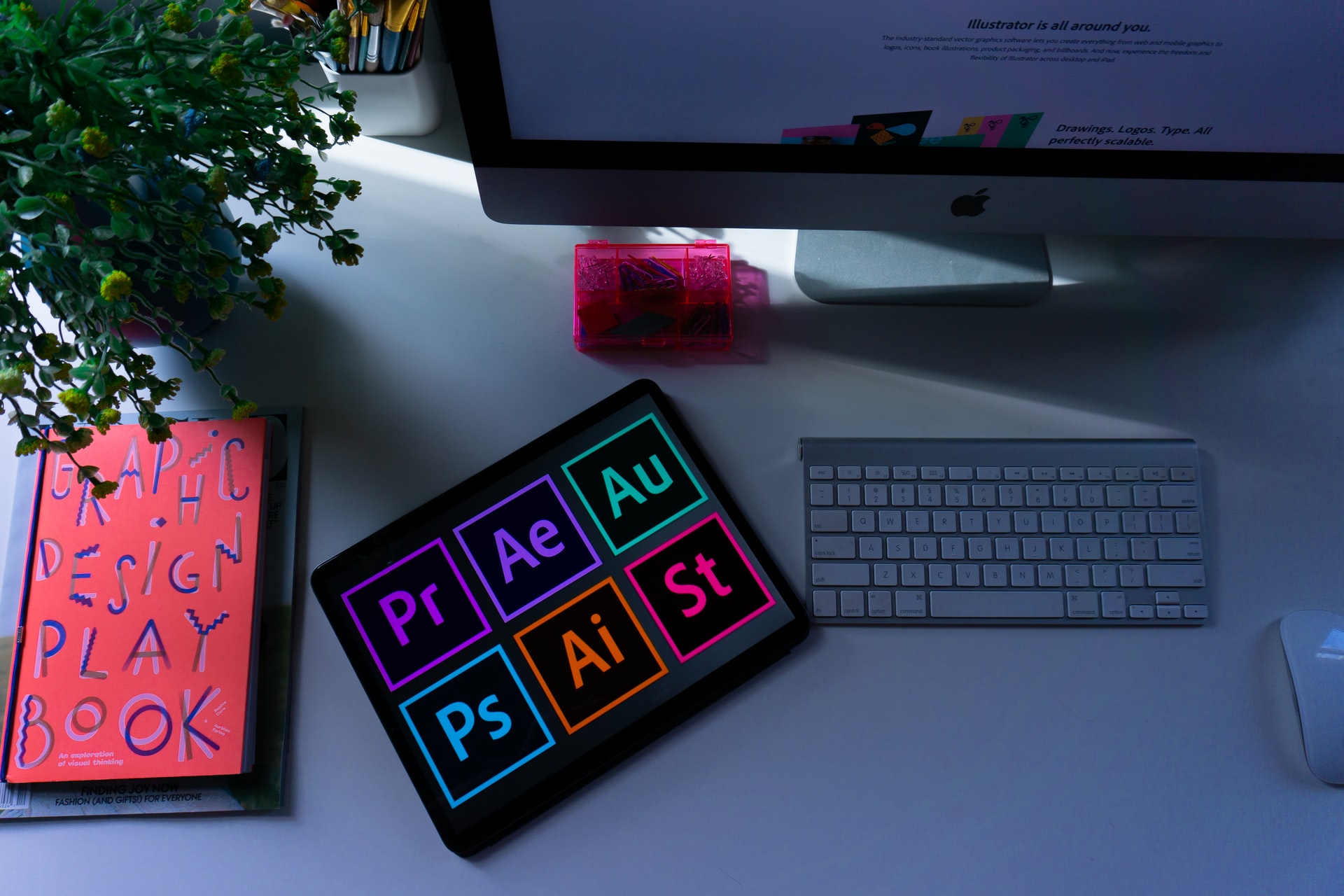
1. Adobe Creative Cloud
Still the industry standard, Adobe CC offers a suite of powerful tools —
- Photoshop: Image editing, photo manipulation, and digital art.
- Illustrator: Vector graphics, logo design, and illustrations.
- InDesign: Print layouts and publishing.
- After Effects & Premiere Pro: For video motion graphics and editing.
💡 Tip: Subscribe to Adobe’s Creative Cloud plan for seamless integration across devices and cloud collaboration.
2. Canva
Canva is ideal for quick, professional-quality designs without the learning curve.
- Drag-and-drop templates for social media, presentations, posters, etc.
- AI-powered background remover, Magic Resize & Brand Kit.
Perfect for freelancers, small businesses, and content creators.
3. Figma
Figma has transformed UI/UX design with its real-time collaboration features.
- Ideal for web and app design.
- Offers design systems, prototypes, and developer handoff.
- Integrates easily with tools like Slack, Notion, and Zeplin.
4. Affinity Suite
A strong, affordable alternative to Adobe —
- Affinity Designer: Vector illustration tool.
- Affinity Photo: Image editor.
- Affinity Publisher: Layout design.
No subscriptions — just a one-time purchase.
5. CorelDRAW Graphics Suite
Still a favorite for logo and print designers.
- Excellent vector tools and typography control.
- Great for packaging and large-format printing.
🧰 2. Online Design Resources
Whether you need inspiration, fonts, or stock images, these websites are goldmines for creatives.
1. Freepik
Freepik offers millions of vectors, icons, PSDs, and mockups — both free and premium.
Perfect for quick projects, presentations, and client proposals.
2. Unsplash & Pexels
For free high-quality stock photos, Unsplash and Pexels are unbeatable.
- Royalty-free for commercial and personal use.
- Great for blog graphics, backgrounds, and ads.
3. Envato Elements
Envato Elements gives unlimited downloads of premium design assets —
- Fonts, stock photos, video templates, website themes, and more.
- Subscription-based with commercial licenses.
4. Behance & Dribbble
Two of the most popular platforms for design inspiration and portfolio building.
- Follow top designers and discover emerging trends.
- Great for showcasing your own creative work.
5. Pinterest
A classic visual discovery tool. Build mood boards, find typography ideas, and explore color schemes.
🧠 3. Typography Resources
Fonts define a brand’s voice. Explore these trusted sites for both free and paid fonts.
1. Google Fonts
Free and open-source, Google Fonts is perfect for web-safe typography.
2. Font Squirrel
Curated collection of free, high-quality fonts for commercial use.
3. Adobe Fonts
Included with Adobe Creative Cloud; easy to sync across applications.
4. MyFonts
Home to thousands of premium fonts — from timeless classics to trending modern ones.
5. DaFont
Perfect for discovering unique and creative display fonts for projects.
🎨 4. Color Palette & Inspiration Tools
Colors can make or break your design. Here are tools that help you find and manage palettes effectively.
1. Coolors
Generate, explore, and save stunning color palettes with one click.
2. Adobe Color
Adobe’s official color tool for palette creation, color theory, and gradient generation.
3. Khroma
An AI-powered color tool that learns your color preferences to generate personalized schemes.
4. Happy Hues
Curated color palettes with real-life design examples — great for web designers.
🧩 5. Mockup & Presentation Tools
Clients love visual presentation. These tools help bring your design concepts to life.
1. Smartmockups
Quickly create product mockups like T-shirts, posters, or devices using your designs.
2. Placeit
Browser-based tool with thousands of ready-to-use templates and mockups.
3. Artboard Studio
Professional mockup and scene creator for detailed product visuals.
4. Mockuuups Studio
Drag-and-drop app for realistic device mockups, great for UI/UX designers.
⚙️ 6. Productivity & Collaboration Tools
Efficiency is crucial in creative workflows.
1. Notion
Organize your design projects, client briefs, and creative ideas in one workspace.
2. Trello
Simple and visual task management tool for freelancers and teams.
3. Slack
Streamline team communication and integrate with design tools like Figma and Google Drive.
4. Google Drive & Dropbox
Store, share, and collaborate on design files securely.
5. Milanote
Perfect for brainstorming and creating visual boards to organize design inspiration.
📚 7. Learning Platforms for Designers
Continuous learning is key to staying competitive in the design world.
1. Skillshare
Courses on everything from Adobe software to branding, illustration, and animation.
2. Domestika
Professional courses from top creative minds worldwide — often with project-based learning.
3. Udemy
Affordable courses on design tools, motion graphics, and digital art.
4. LinkedIn Learning
Great for corporate-level design and marketing training.
5. YouTube Channels
Some of the best free resources include:
- The Futur (Branding, design strategy)
- Yes I’m a Designer (Adobe tutorials)
- Pixel & Bracket (Practical design guides)
🌐 8. AI Tools for Designers (2025 Edition)
AI has changed design workflows forever. These are the tools to watch this year.
1. Adobe Firefly
AI-powered generative fill and text-to-image within Photoshop.
2. Midjourney
Create stunning concept visuals and illustrations using text prompts.
3. Leonardo.ai
Alternative to Midjourney with commercial rights and design-friendly features.
4. Runway ML
For AI-based video editing, motion tracking, and visual effects.
5. ChatGPT + Canva Plugin
Use AI to brainstorm design ideas, captions, and generate creative assets faster.
💼 9. Asset Management & File Tools
1. Eagle App
Organize and preview design files, fonts, and inspirations in one place.
2. Dropbox Creative Tools
Easily share large files with clients and keep version history.
3. Google Drive
Reliable and free cloud backup for collaborative design projects.
🧠 10. Bonus: Tips for Building a Strong Designer Workflow
- Create a Personal Asset Library: Store fonts, brushes, and mockups in organized folders.
- Use Keyboard Shortcuts: Small habits improve efficiency drastically.
- Stay Updated: Follow design newsletters and YouTube tutorials weekly.
- Use Templates Smartly: They save time without killing originality.
- Backup Everything: Cloud-based or external hard drives are a must.
🚀 Conclusion
The design industry keeps evolving, but the foundation of good design remains creativity, discipline, and adaptability. These best graphic design resources & tools can empower you to create professional, impactful designs that stand out in a crowded market.
Whether you’re designing for print, digital, or social media — the right tools help you work faster, collaborate better, and deliver results your clients love.
So, explore, experiment, and elevate your creative game in 2025!